
Home
Open YouDash and see today: widgets, due work, the date that matters.
Tasks, calendar, notes, bookmarks, media, and AI. One dashboard instead of six tabs.

Tasks in one app. Calendar in another. Bookmarks lost. Notes somewhere else. Watchlists in a fifth tab, AI chat in a sixth. Every switch costs the context you just had.
Capture as you go. File mixed work into Collections. Start the morning on a Home you configured. Ask an assistant that can use your notes, tasks, and calendar.
Open YouDash and see today: widgets, due work, the date that matters.
One nestable tree for mixed life. Bookmarks next to tasks next to notes.
The browser extension drops links into YouDash instead of a bookmarks-bar graveyard.
Plain-language chat with tools over your workspace, not a generic chatbot.
Home is the daily surface: clock, weather, checklists, smart collections, and the rest of the widget set. Add, remove, reorder, and toggle until the morning view is actually yours, not a default template.
Collections are configurable too. Pick grid, list, or detailed for how items appear. Sort by hand, by name, by recency, or by how often you open them.
This is the workspace, not a list of modules you glue together later. Each surface below ships in the product today and talks to the same Collections tree.
The organizational spine. Nest bookmarks, tasks, notes, documents, widgets, and sub-collections in one tree, up to five levels. Switch grid, list, or detailed. Sort by hand, name, recency, or how often you open a thing. Keep a collection private, share it with people you choose, or publish it.
Give a task importance and urgency, add subtasks when the job has parts, and put a due date where your time already lives. Calendar events sit in the same system, so the day is not split between a list app and a grid you forget to open.
Write next to the work it belongs to. A project collection can hold the brief, the links, the tasks, and the notes without a second notebook you will not search.
Clip a page while you browse. It lands in a collection or a preset instead of a bookmarks-bar graveyard. Save once. Find it in YouDash, on Timeline, or by tag.
Cross-cut anything without breaking the tree. Tag a task, a bookmark, and a note and still keep each one in the collection where it belongs.
Search TMDB, keep a library, a watchlist, and logs in the same workspace as the rest of the week. Entertainment tracking is part of the personal OS, not a fifth app.
A day-grouped history of what you created and saved. When you cannot remember the type or the collection, scrub time instead of hunting folders.
Chat with tools that can work against your notes, tasks, and calendar. Not a generic chatbot that forgets the workspace. Cloud AI is metered: included on Pro, credits if you want more.
Invite a friend, a partner, or the household as a contributor or admin. Nested collections and the items inside (tasks, notes, bookmarks, documents, widgets) are part of that share. One collection for the house can hold chores, instructions, and the links everyone keeps losing. Keep everything else private. You choose the root you open.
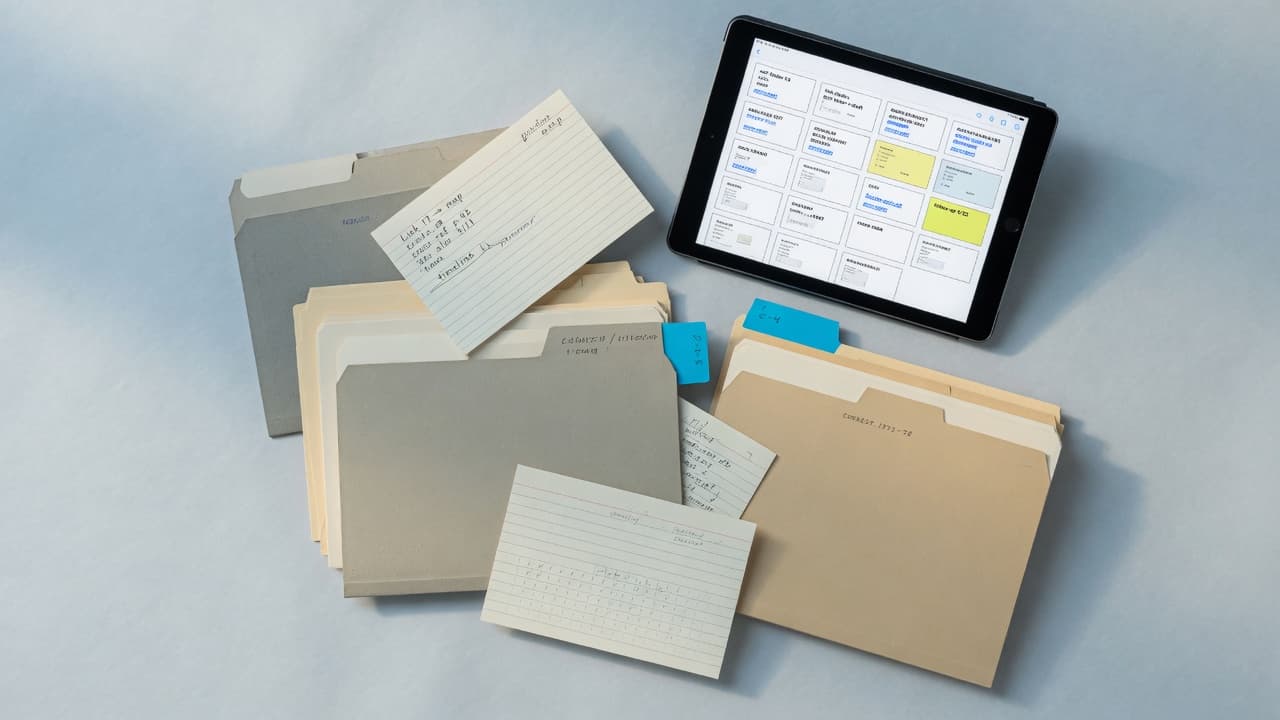
Collections are not a rigid folder type. Mix item types and share only the roots that need other people.
A private tree for your own day: Home widgets, tasks, notes, the extension saves that never belonged in a shared space. This is the default posture. YouDash is built for one operator first.
One household collection, shared with the people who live in it. Nested lists for chores, a note for how the thermostat works, bookmarks for the school portal, tasks that anyone in the share can see. Invite as contributor or admin. The rest of your workspace stays yours.
Give a project a collection and drop mixed work into it: the brief, the tasks, the docs, the links, a smart-collection widget if you want a live slice on Home. Share the project root when a collaborator needs the tree. Leave it private when they do not.
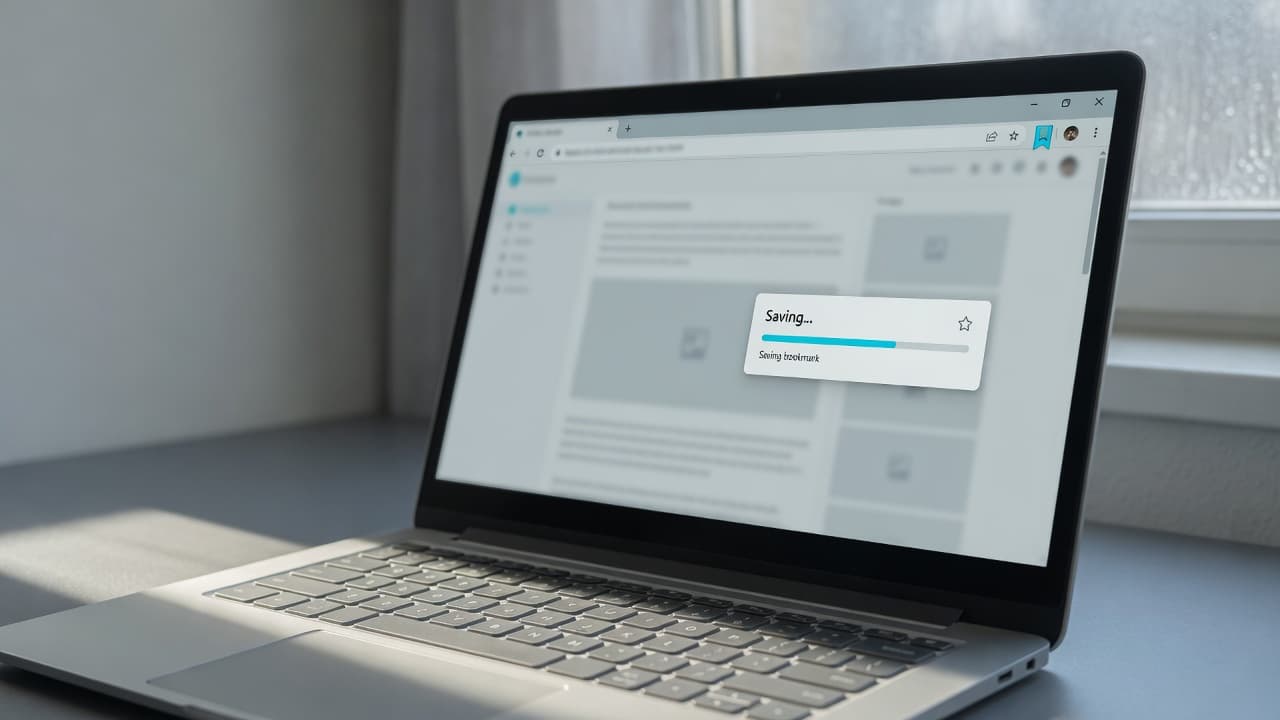
Clip a page while you browse. Land it in a Collection or a preset. It shows up on Timeline when you need "when did I save that?"
Generous per-type limits on Free. Supporter is $5/month for unlimited items. Pro is $12/month with AI credits included.
View plansYouDash is in active development. The surfaces named here exist in the product today. No fake reviews.
Get started